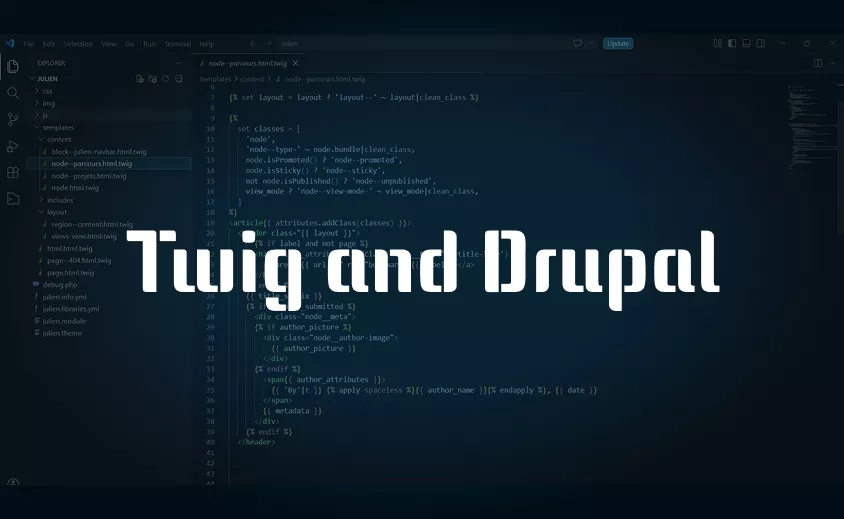
When working on Drupal, understanding Twig is essential for mastering integration and page rendering. Whether you are building a new website or managing an existing one, it is a central tool for producing clean, maintainable and optimised code.
Drupal's evolution: from native PHP to Twig
Before Twig, Drupal used PHP directly in its templates. Business logic and display were often mixed together, which made maintenance more complex, particularly for a Drupal-specialist web integrator.
Over time, the need to better structure code and separate concerns became clear. Twig was introduced with Drupal 8, and it remains at the core of Drupal 11 today.
This change marked a real shift in web development, making templates more readable, more secure and more accessible to front-end profiles.
Today, Twig allows for cleaner work on website management, while making collaboration between developers and integrators easier.
Understanding Twig: syntax and how it works
Twig is a templating engine designed to be simple to read and use. Unlike PHP, it deliberately limits business logic, even though it does allow certain conditions and loops. The goal is clear: focus on display.
Twig is easily recognised by its specific tags:
- {{ }} to display a variable
- {% %} for control structures such as conditions or loops
- {# #} for comments
For example, displaying a title is as simple as {{ title }}. This syntax makes code much clearer, which is a real advantage when building a website or optimising it for search engines.
Twig also adds an extra layer of security by automatically escaping data, which reduces the risks associated with code injection. This is an essential point in any modern web project.
As a Drupal-specialist web integrator, understanding Twig also helps you structure your templates more effectively and optimise the HTML output, a key factor for SEO.
Using Twig on Drupal day to day
In Drupal, Twig is used to handle all of the site's HTML rendering. Every element (page, node, block, view…) has its own template, which can be overridden within a theme to adapt the display to the project's needs.
For a Drupal-specialist web integrator, this means precise control over rendering without touching business logic. For example, in Drupal 11, it is common to modify files such as node.html.twig or page.html.twig.
More importantly, file naming allows you to target exactly what you want to customise:
- node--article.html.twig modifies the display of article content type only
- node--12.html.twig targets a specific piece of content by its ID (useful, but best avoided on evolving projects)
- page--front.html.twig allows you to customise the homepage only
- block--header.html.twig lets you modify a specific block, such as the header
These overrides allow you to adapt the display without impacting the rest of the site, which is essential for clean, maintainable web development.
Twig also plays an important role in SEO optimisation. By structuring HTML correctly, controlling tags and integrating structured data, you improve the site's readability for search engines.
It is also worth noting that each template has its own set of variables, provided by Drupal. They are not automatically shared across all files. To go further and fine-tune the available data, you generally go through preprocess functions.
Twig is therefore a central tool, both for day-to-day website management and for the overall quality of any Drupal website build.